

eInvoicing: Helping Different Accounting Systems Work Together
Your business might use Xero while a customer or supplier uses another accounting system. With eInvoicing, you can exchange invoices directly between compatible systems through the Peppol network, reducing manual entry and helping keep your records organised.
What is eInvoicing?
eInvoicing sends invoice information directly from the supplier’s software into the customer’s software through a secure network. Unlike an emailed PDF, the invoice details arrive ready to process, without someone having to type them in.
Peppol provides the common standard that makes this possible. Your customer or supplier does not need to use Xero, provided their software also supports Peppol eInvoicing. To understand more, visit the ATO’s eInvoicing guidance.
For example, your Perth business could receive an invoice from a supplier using another compatible accounting system. It would appear in Xero as a draft bill, saving you from entering the details manually.
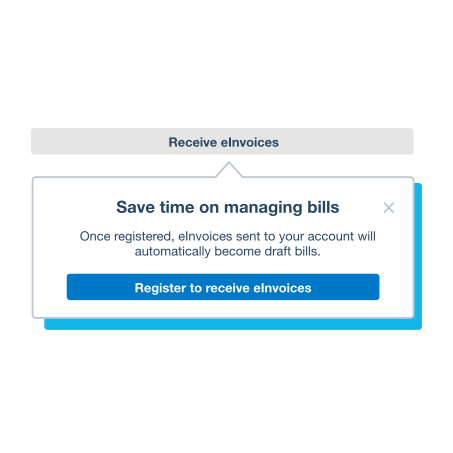
Registering to receive eInvoices in Xero
To receive eInvoices, register your business on the Peppol network through Xero. Before starting, check that your business’s ABN is recorded correctly in Xero and have your business contact details ready.
- Open Purchases → Bills.
- Select Set up eInvoicing, then Register to receive eInvoices.
- Enter your ABN and select Search for business information.
- Check the information shown and confirm that the details are correct.
- Enter your business contact details, review and accept the terms and conditions, then select Complete registration.
- Let your suppliers know you can receive eInvoices and give them your ABN.
For help with these steps, see Xero’s guide to registering and receiving eInvoices. You need a paid Xero subscription and suitable user permissions to register.
Sending an eInvoice
You do not need to register as a Peppol receiver just to send eInvoices from Xero. Your customer does need to be registered to receive them.
- Check that your registered business name and ABN are correct in Xero.
- Ask your customer whether they are registered to receive Peppol eInvoices. You can also check the Peppol Directory.
- Open the customer’s contact record, select Edit and enter their ABN in the Tax field under Financial Details. Save the contact.
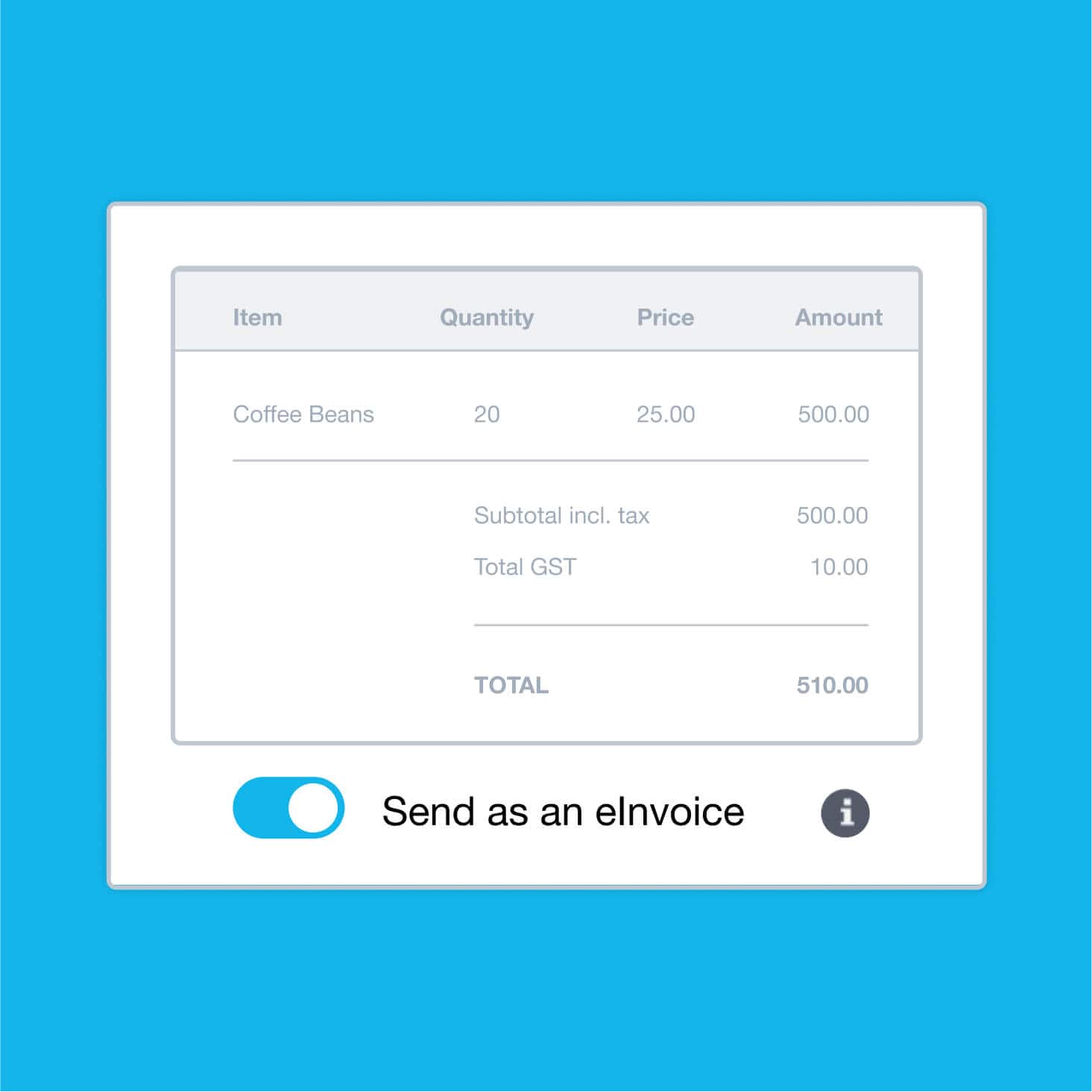
- Create an invoice and select the customer. The Send as an eInvoice option appears once a contact has been added.
- Turn on Send as an eInvoice, enter and check the invoice details, then select Approve & send.
- Review the sending options and select Send to confirm. Xero checks the customer’s registration and prompts you if required information is missing.
Australian Xero businesses can currently send eInvoices to recipients within Australia. For the steps, see Xero’s guide to sending an eInvoice.
Where do received eInvoices appear?
Supplier eInvoices arrive in Xero as draft bills, ready for review. This reduces manual entry, but you should still check the supplier, amounts, GST and account coding before approving and paying.
Check your Draft bills regularly so newly received eInvoices are reviewed and paid on time.
eInvoicing can make everyday invoicing easier, especially when your customers and suppliers use different accounting systems. Start with a few regular trading partners to see how it fits your business. If you would like help getting set up in Xero, contact the MKG Partners team.